Fireworks Photography & Editing Workshop — Lionmark × Joseph Goh

Lionmark × Joseph Goh Photography

Photoshop Compositing Workshop SkillsFuture Credit Eligible

Master the Art of Fireworks Photography & Editing

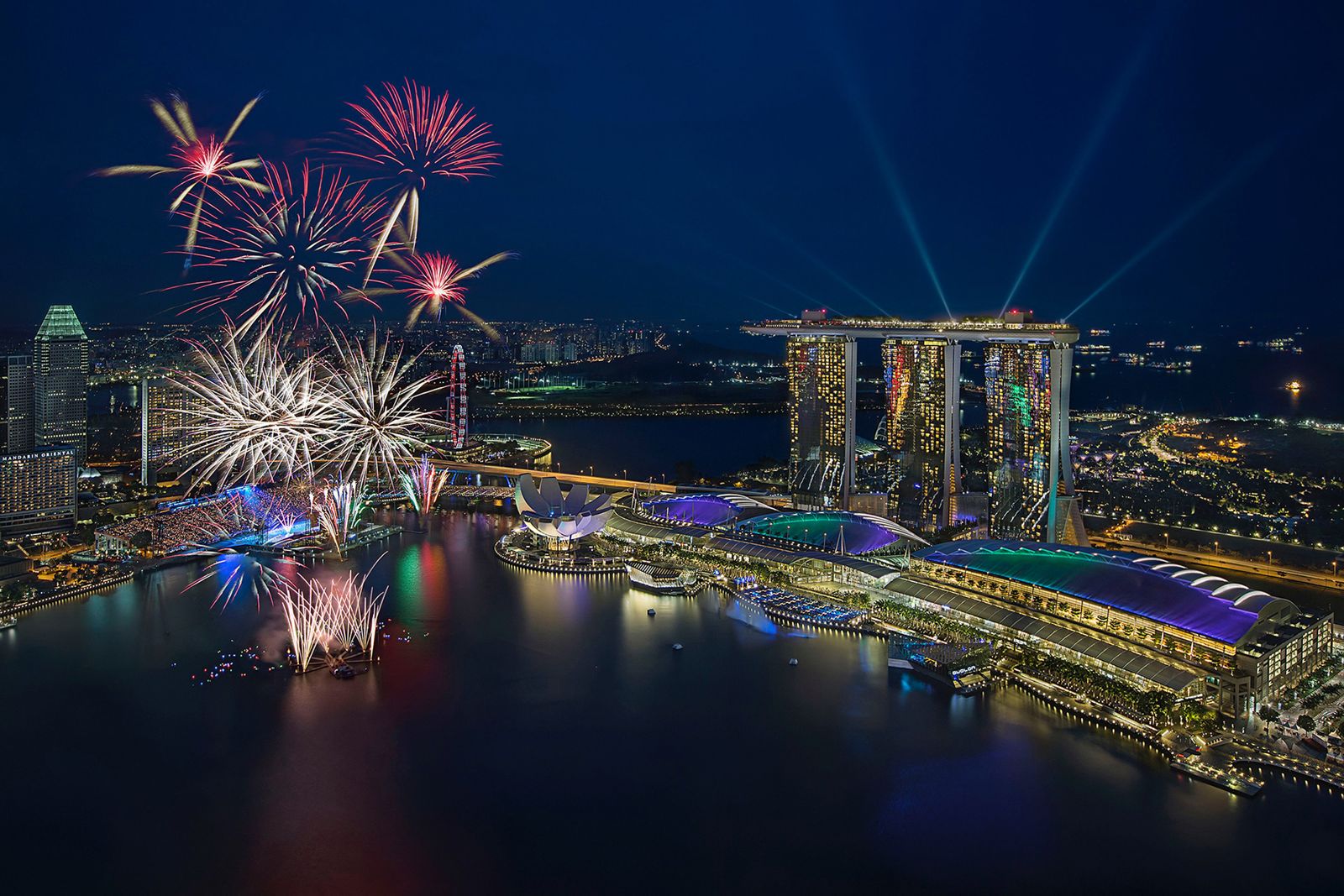
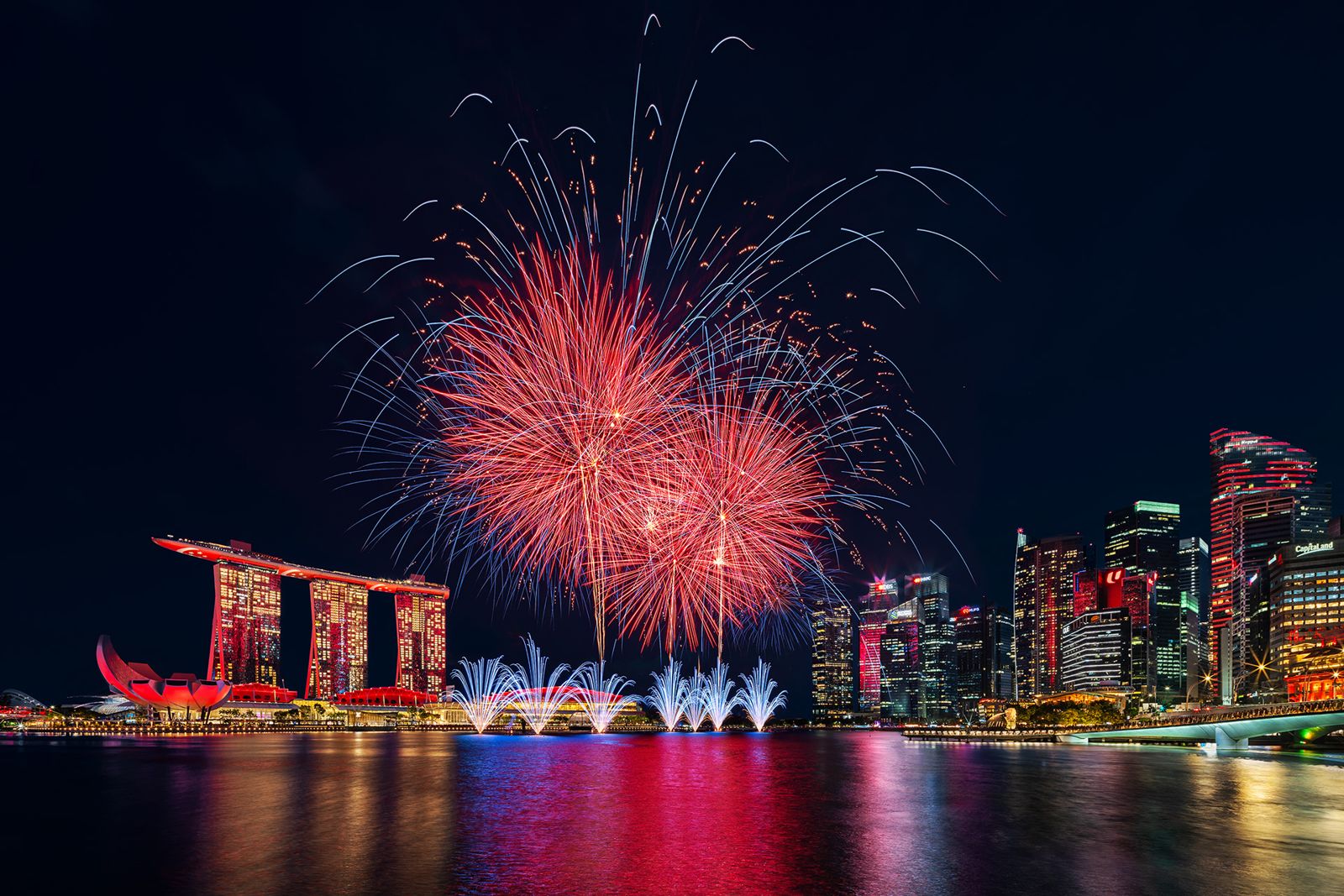
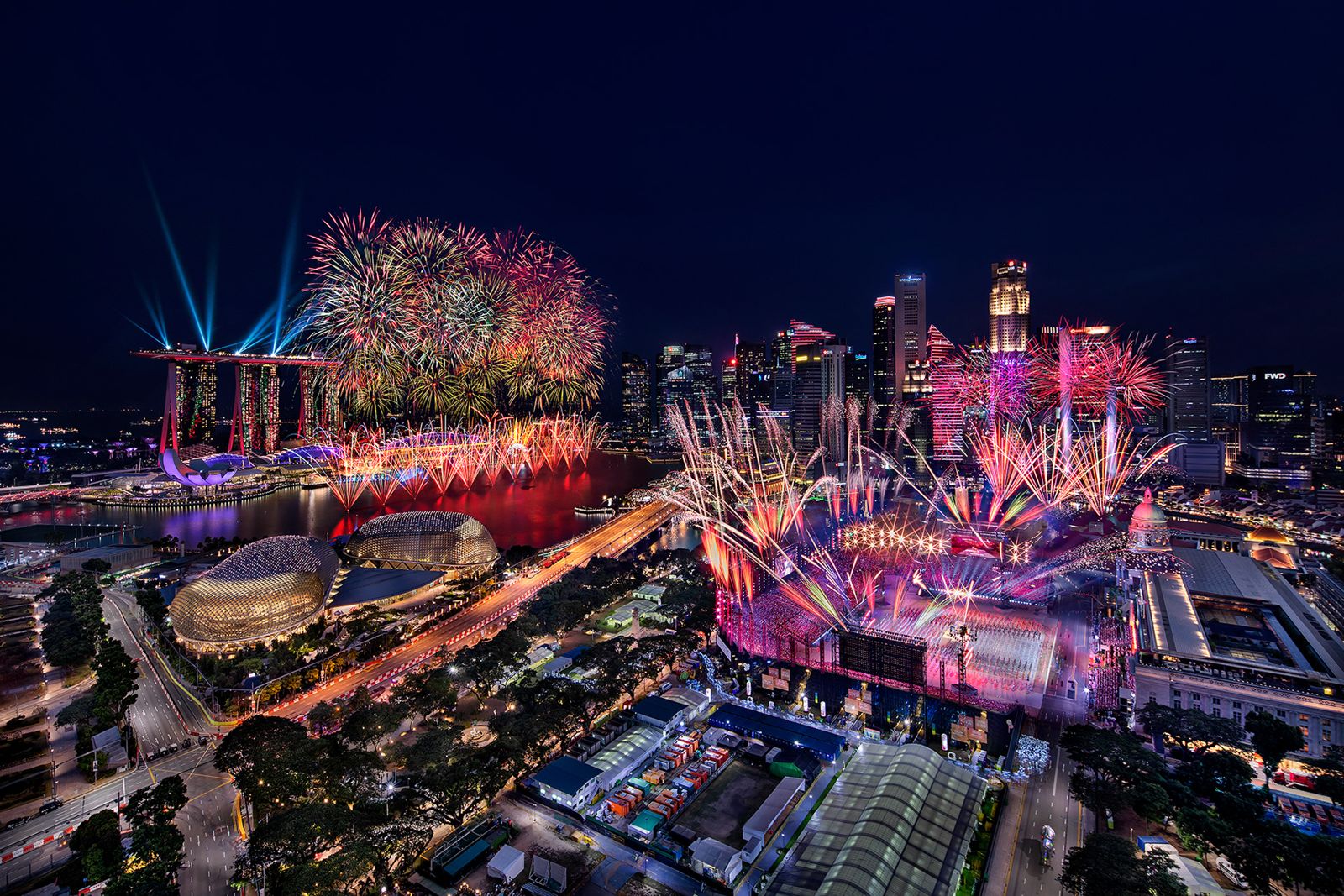
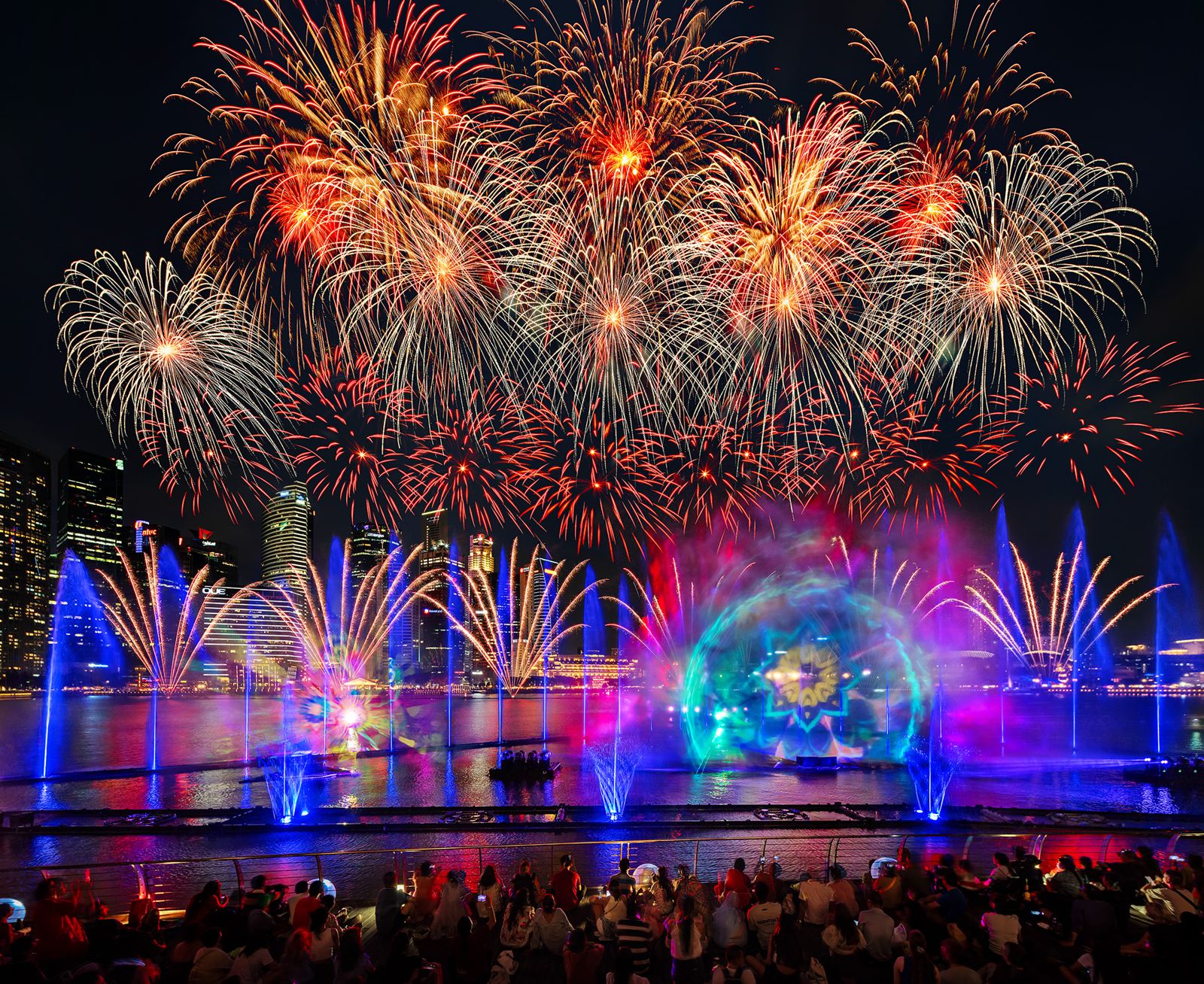
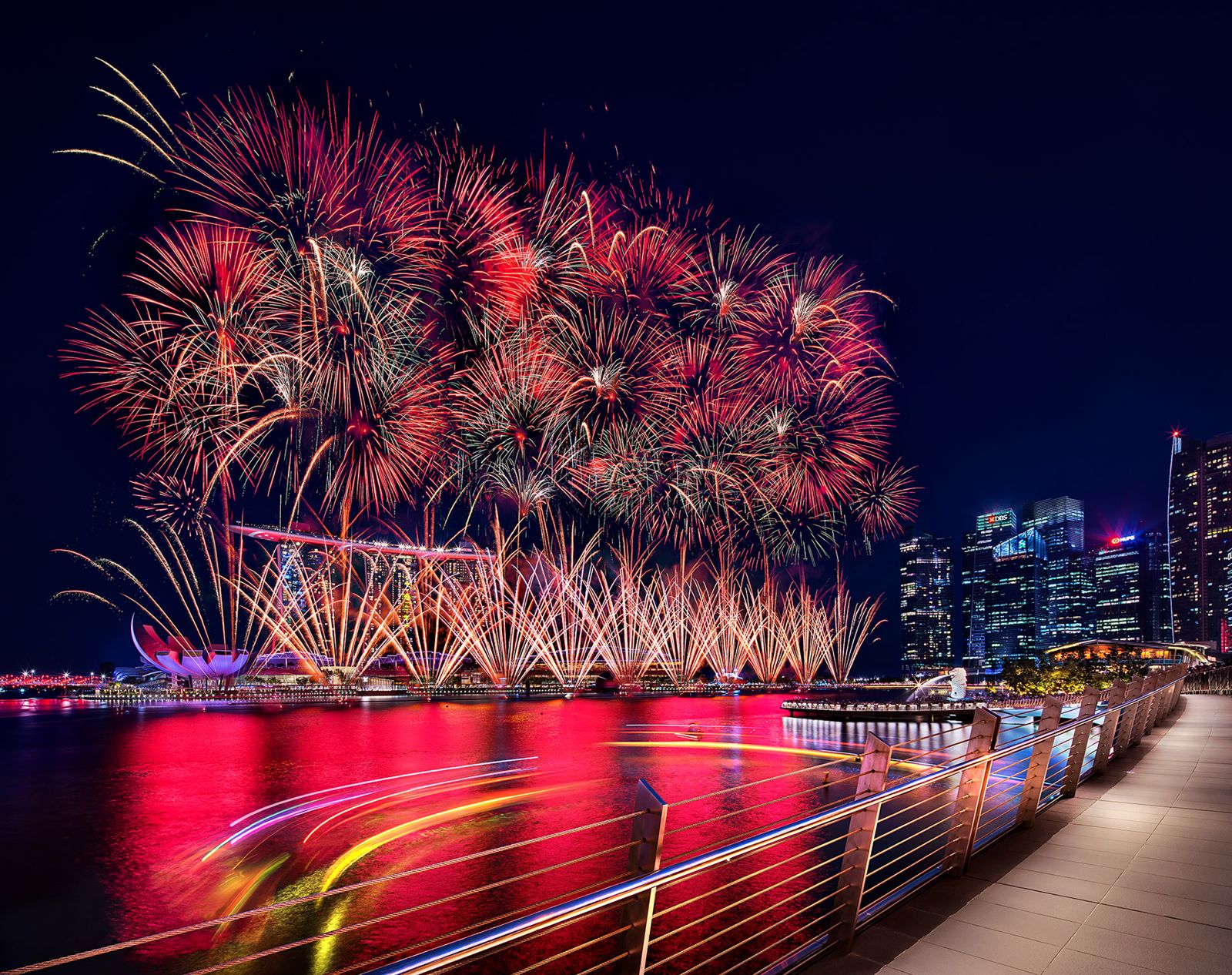
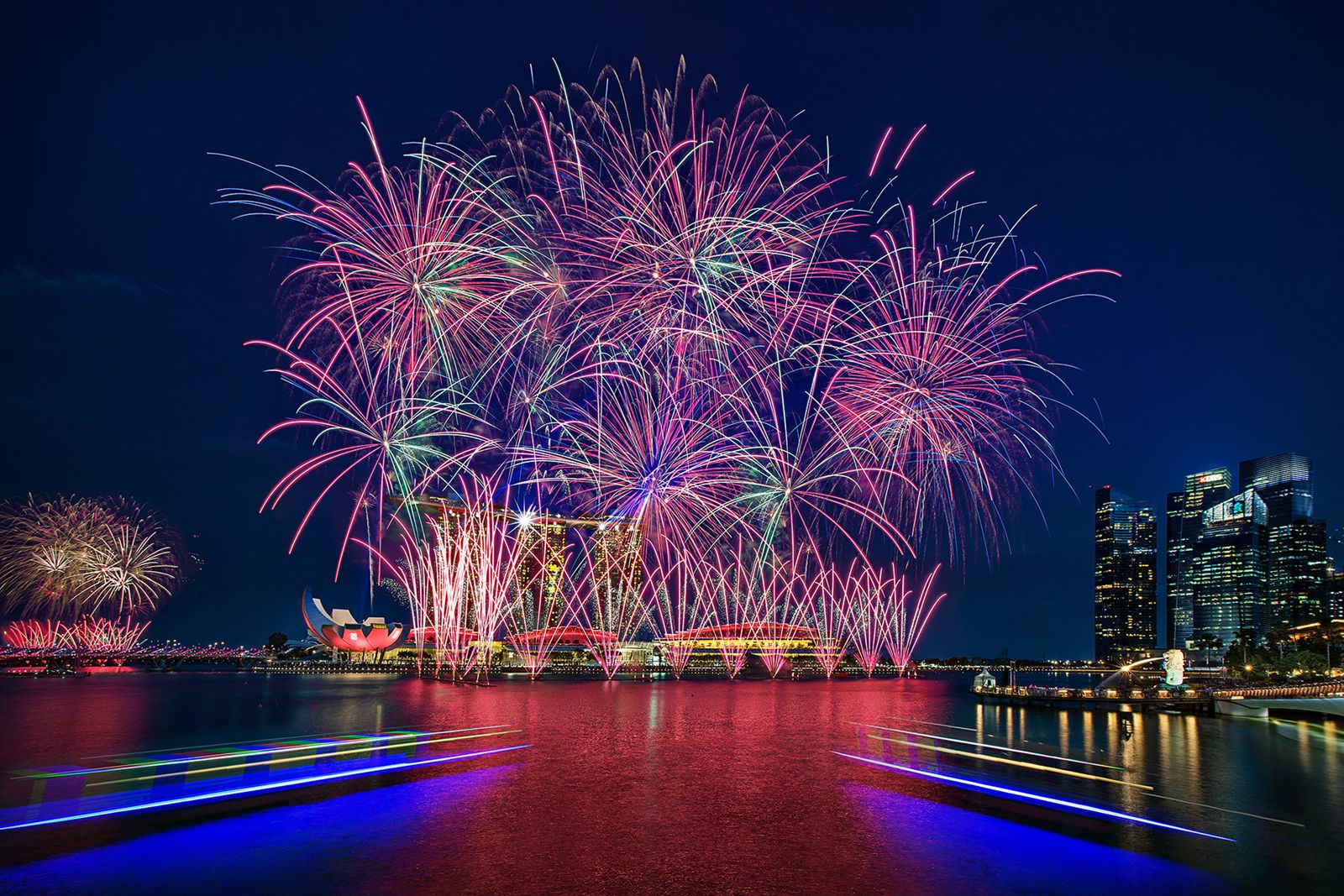
Blend and arrange fireworks bursts with the cityscape for one seamless, dramatic shot.

9 & 10 AugNational Day weekend 2026
2 DaysShoot + edit, hands-on
SFC · PSEA · UTAPClaimable to offset your fee
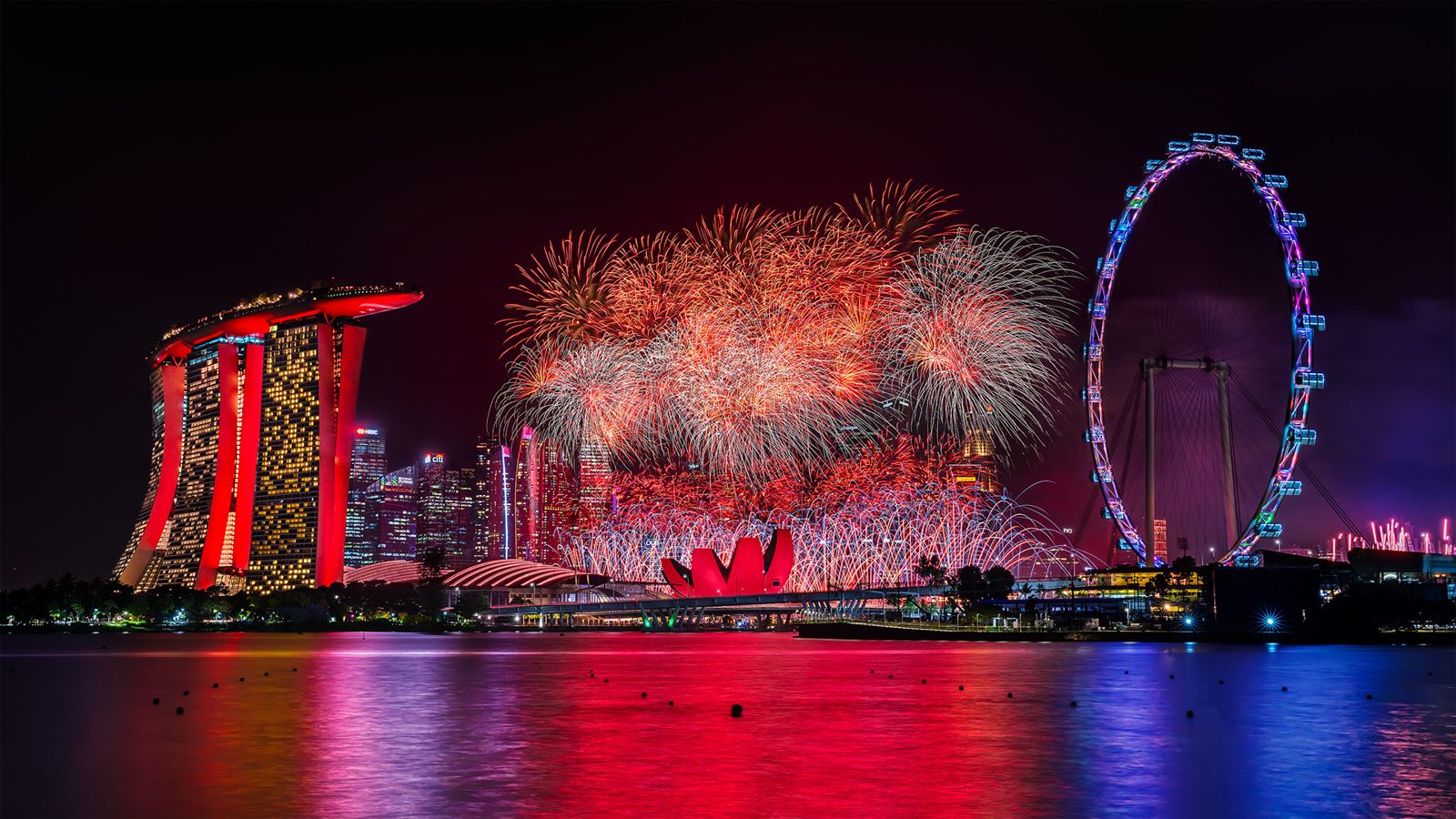
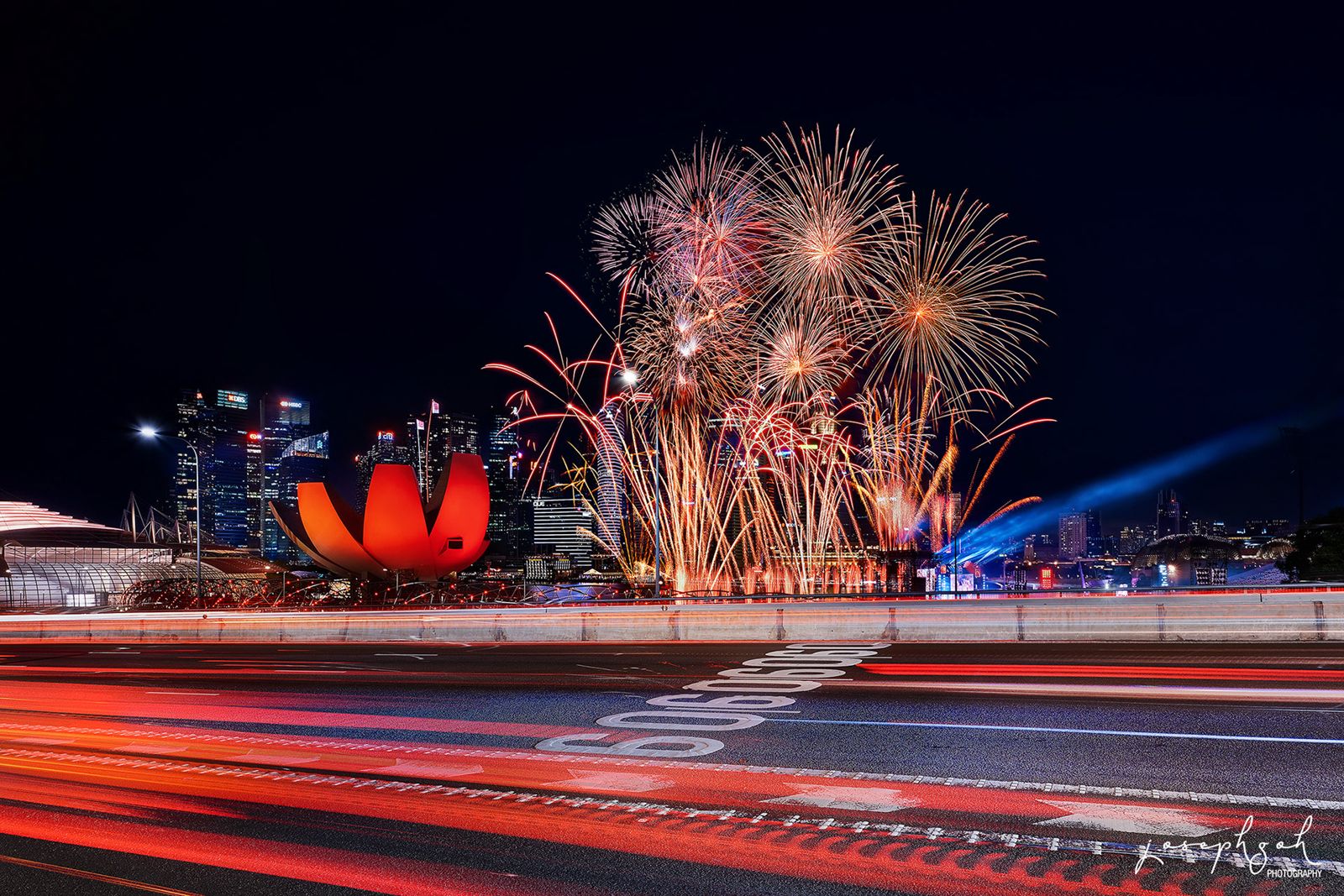
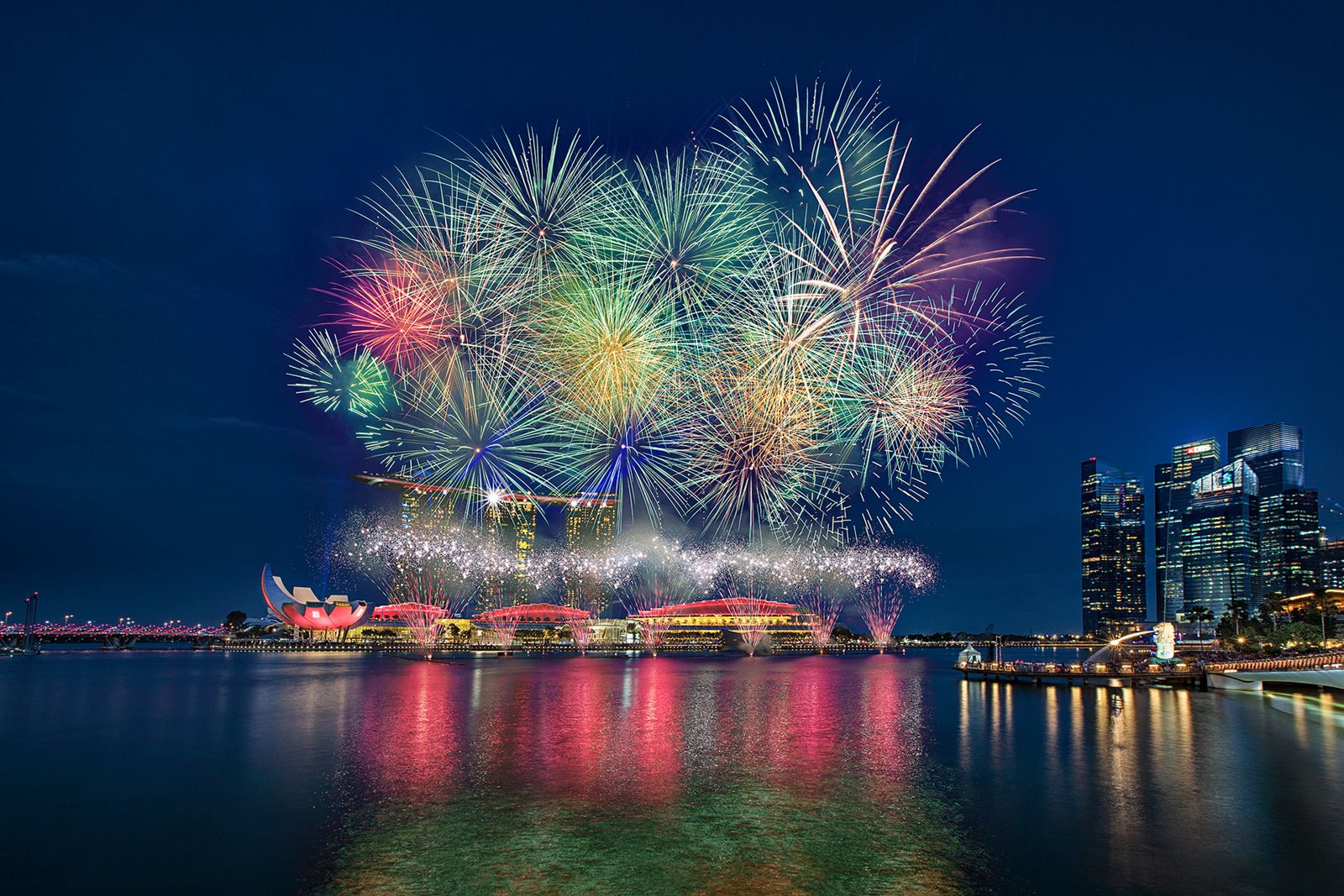
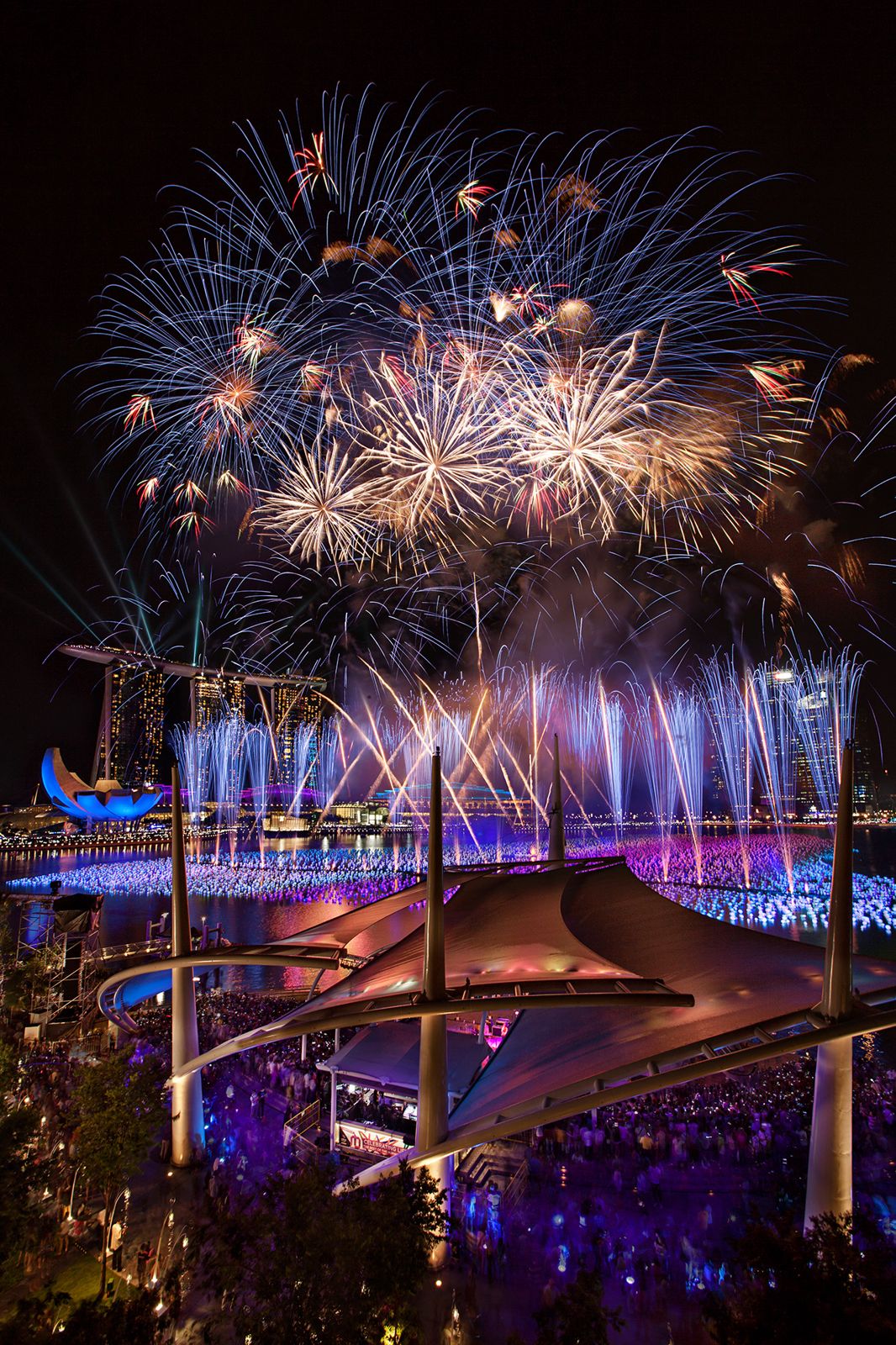
Golden fireworks cascading over the bridge at Marina Bay — photographed and composited by Joseph Goh Shot & Edited by Joseph Goh
Intermediate · Shoot + Edit

Celebrate National Day by taking your fireworks photography to the next level

Join award-winning photographer Joseph Goh for a 2-day SkillsFuture-funded Intermediate Fireworks Photography & Editing Workshop.

Learn how to capture stunning fireworks images during the shooting session, then master Photoshop techniques to transform them into spectacular works of art. You'll learn exposure blending, stacking multiple fireworks bursts, creating natural skyline compositions, and minimising smoke for clean, professional-quality results.

Perfect for photographers who want to improve both their shooting techniques and post-processing workflow for breathtaking fireworks images.

Good to know

This workshop covers shooting techniques and provides hands-on, step-by-step guidance on image editing.

No fireworks photos are required — practice images will be provided.

Please bring your own laptop with Adobe Photoshop installed.
2 Days · Shooting Session + Editing Lab

What you'll learn

A practical shoot-and-edit workshop — capture real fireworks in the field, then composite them into one seamless, dramatic image in Photoshop.

1

Fireworks shooting technique — camera settings, timing and framing to capture clean, sharp bursts on location.

2

Exposure blending — combine multiple exposures for a balanced sky, skyline and fireworks.

3

Stacking fireworks bursts — layer and arrange multiple bursts into one spectacular display.

4

Natural skyline compositions — blend fireworks with the cityscape so the final image looks believable.

5

Smoke minimisation — clean up haze and smoke for crisp, professional-quality results.

6

A repeatable Photoshop workflow — step-by-step compositing you can apply to every fireworks season.

National Day Weekend

Workshop schedule

Two days across the National Day 2026 weekend — learn the techniques, shoot the real thing, then bring it all together in the editing lab.

Day 1 · Sunday

9 August 2026

National Day 🇸🇬

  • 11am – 3pm · Workshop session
  • 4pm – 8pm · Workshop & shooting session
Day 2 · Monday

10 August 2026

Editing lab

  • 9am – 6pm · Hands-on Photoshop compositing

Classroom sessions at 39A Bussorah Street · Shooting location to be advised closer to the date.

Up to 70% SkillsFuture Funding

Workshop fees

Full course fee is $800. SkillsFuture subsidies bring your nett fee down — and the balance can be offset further.

Singapore Citizens aged 40+
Mid-Career Enhanced Subsidy (70%)
$240 nett
Full fee $800
  • Payable with SkillsFuture Credit
  • PSEA & UTAP claimable
  • Shooting session + editing lab
Singapore Citizens 21–39 & PRs
SkillsFuture Singapore Subsidy (50%)
$400 nett
Full fee $800
  • SkillsFuture Credit (Citizens 25+)
  • PSEA & UTAP claimable
  • Shooting session + editing lab
SME company-sponsored
Enhanced Training Support for SMEs (70%)
$240 nett
Full fee $800
  • Any nationality of employee
  • Absentee payroll claimable by SME
  • Shooting session + editing lab

💳 Nett fee can be offset with SkillsFuture Credit (SFC), PSEA (Post-Secondary Education Account), or claimed under UTAP (NTUC members, up to 50% of unfunded fee). Foreigners and non-sponsored learners pay the full $800.

Your Trainer

Learn from an award-winning photographer

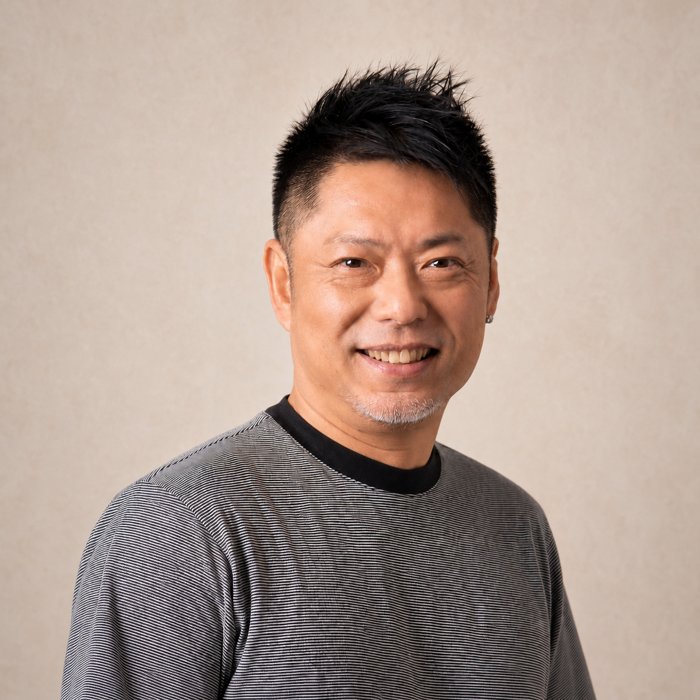
Joseph Goh, award-winning photographer

Joseph Goh

Joseph Goh Photography
View portfolio →

An award-winning photographer with deep experience shooting Singapore's skyline and fireworks displays, Joseph teaches the exact field techniques and Photoshop compositing workflow behind his signature fireworks images — from camera settings at the shooting location to the final seamless composite.

Lionmark × Joseph Goh Photography

Watch Joseph break down his fireworks workflow

Frequently asked questions

Is the course fee SkillsFuture, PSEA or UTAP claimable?
Yes. Learners may use their SkillsFuture Credit to offset course fees — available to Singaporeans aged 25 and above (check your balance here). PSEA can be used to pay the nett fee via the PSEA Ad Hoc Withdrawal application. UTAP: NTUC members may claim up to 50% of the unfunded course fee (subject to the prevailing annual cap) after course completion.
Do I need my own fireworks photos?
No. Practice images will be provided for the editing sessions — and you'll capture your own during the Day 1 shooting session.
What do I need to bring?
Your own laptop with Adobe Photoshop installed, and your camera for the shooting session. We'll advise on recommended camera gear (tripod, remote release) before the workshop.
What level is this workshop?
This is an intermediate workshop — ideal for photographers who are comfortable with their camera and want to level up both their fireworks shooting technique and their Photoshop post-processing workflow.
Where is it held?
Classroom sessions are held at 39A Bussorah Street, Singapore 199457 (Kampong Glam, 5-minute walk from Bugis MRT). The fireworks shooting location will be advised closer to the date.
What if it rains during the shooting session?
The workshop proceeds rain or shine — editing and compositing sessions are indoors, and practice images are provided so you can master the full workflow regardless of weather.

Venue

Kampong Glam

39A Bussorah Street
Singapore 199457

Nearest MRT: Bugis (5-minute walk). Classroom & editing sessions held here.

📸 Fireworks shooting location to be advised closer to the date.

Open in Google Maps →

One National Day. One seamless, dramatic shot.

Hurry up and sign up today — limited slots available for the 9 & 10 August 2026 workshop.

Register now →