

1. Go to MySkillsFuture
Go to www.myskillsfuture.gov.sg and click “Login” at the top right.

2. Login with Singpass
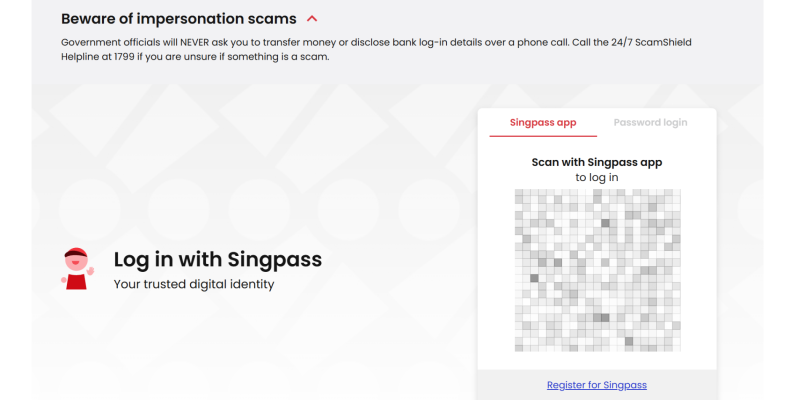
Login using your Singpass (scan the QR code with your Singpass app or use password login).
3. View your balance
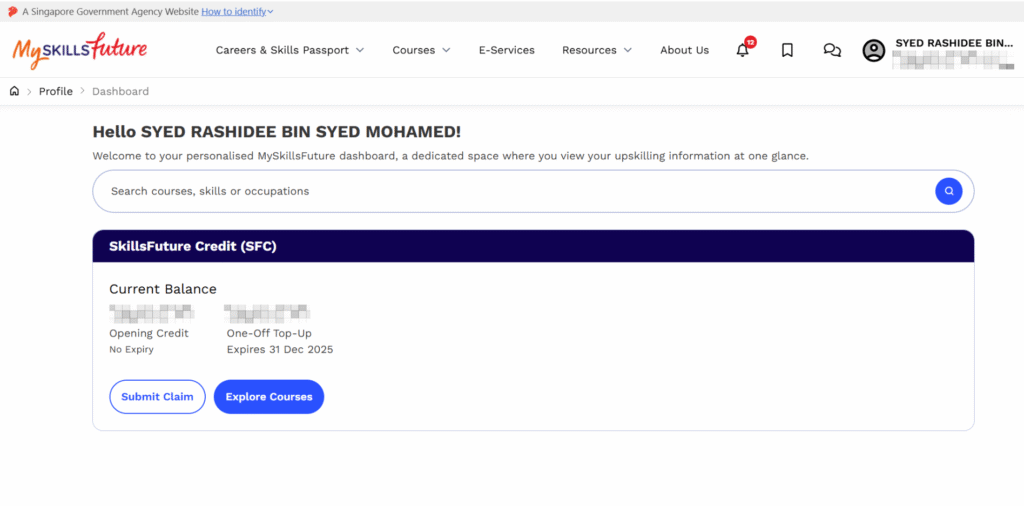
This is where you’ll see your available SkillsFuture Credit.
If you’d like to view your past claims or transaction history, simply click your name at the top-right corner and select “SkillsFuture Credit” again.
On the SkillsFuture Credit page, scroll down to find a detailed list of all your previous claims and their statuses.
Once you’ve checked your balance, explore the workshops at Lionmark Academy. All SkillsFuture Credit eligible.
Every skill you gain brings you closer to the best version of yourself. Unlock your skills. Let’s Roar forward! View Courses